How to Get Started with 3D Modelling for Your Product Line

A customer opens your product page on mobile. They pinch the screen, rotate a sofa with one finger, tilt it to check the armrest profile, then drop it into a photo of their living room. Thirty seconds later they tap buy. No email to your support team. No question about dimensions. No return three weeks from now because the colour read differently on a flat photo.
That moment is the business case for 3D. Not the technology—the outcome.

Define Your Business Outcome Before You Touch Software
The most common mistake brands make when they decide to get started with 3D modelling for their product line is opening a browser tab and searching for software. They land on comparison charts, read about polygon counts and render engines, and spend the next two weeks in a free trial that teaches them nothing about their actual problem.
The question that should come first is not "which tool?" It is "what is breaking right now?"
For a furniture brand, the answer is usually one of three things. Returns are too high because customers misjudge scale or finish. Engagement is low because flat photography can't show how a piece sits in a real room. Or sampling costs are eating margin because buyers can't sign off on a custom configuration without a physical prototype.
Each of those problems points to a different 3D implementation. Returns from scale misjudgement call for augmented reality placement. Low engagement on PDPs calls for interactive spin viewers. Sampling costs call for configurable 3D models that sales reps can present in a browser. The software you need follows from the outcome you're solving for. Reverse that order and you will spend money learning a tool that was never built for your situation.
Write the outcome down before you open a single product page. One sentence. "We want to reduce returns on our dining table category by giving customers a true sense of scale." That sentence will make every tool decision faster and cheaper.
The Real Cost of 3D Modelling—and What It Includes
Budget conversations about 3D tend to go one of two ways: someone quotes a number that sounds manageable, or someone quotes a number that ends the meeting. The range is genuinely wide. The average cost to launch an AR application runs from $30,000 to $300,000, depending on the complexity of the experience and the platform it lives on. Shopify
That range exists because "3D for products" is not one thing. A single static model rendered in a spin viewer costs a fraction of a fully interactive AR configurator with real-time material swaps. What you need—and therefore what you spend—comes back to the outcome you defined in the previous step.
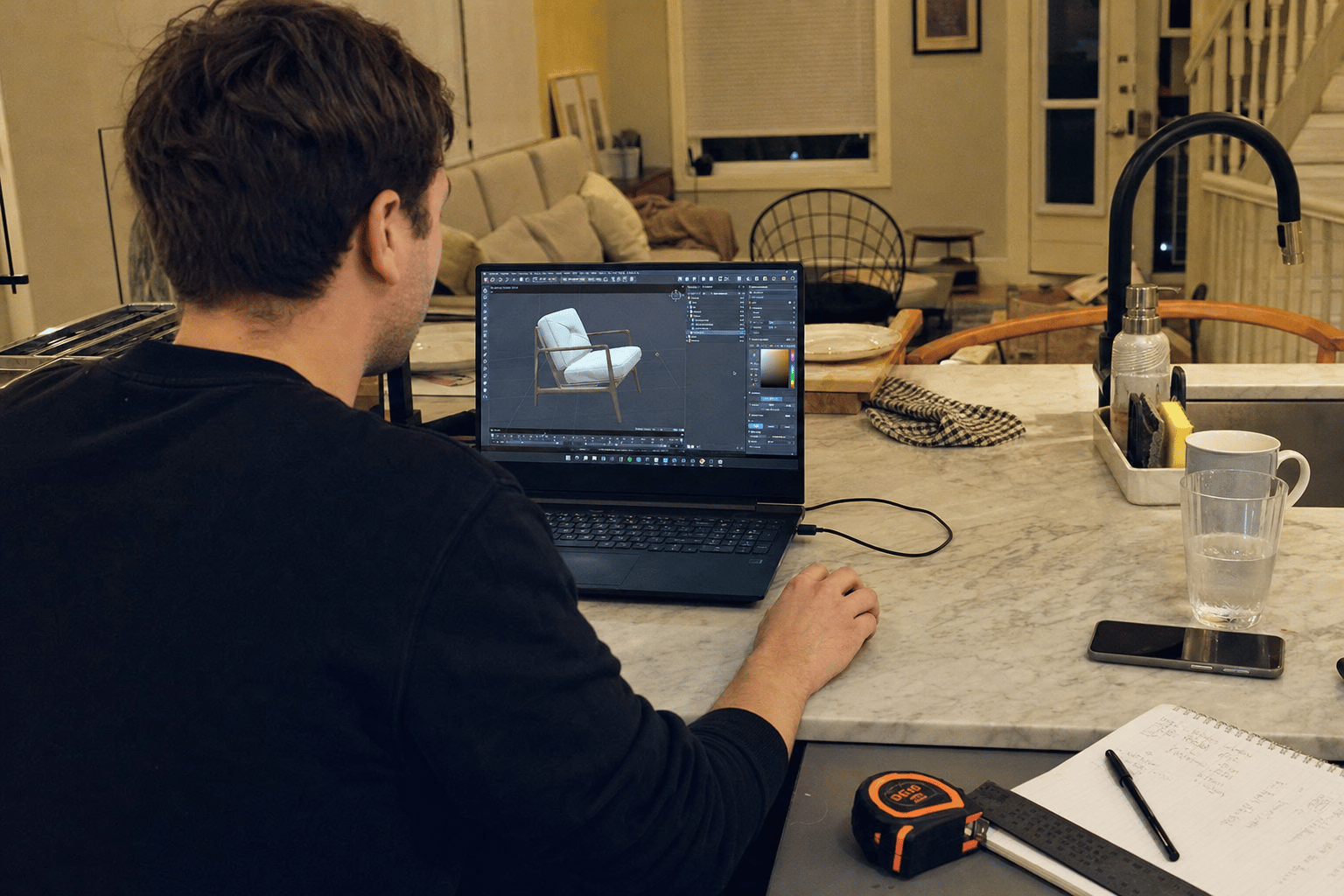
There are also costs that brands forget to budget for. Photography-grade 3D assets take time to produce: a detailed sofa model with accurate fabric textures can require ten to twenty hours of artist time. Hosting and platform fees recur monthly. Integration with your existing ecommerce stack may need developer hours. And if you're building something custom, QA across device types is not optional.
None of this is a reason to delay. It is a reason to scope carefully, start small, and measure before you scale.
Three Paths to Getting 3D Models: Choose Based on Your Timeline and Budget
There is no single right way to build a 3D catalogue. There are three realistic paths, and each one serves a different combination of timeline, budget, and internal capability.
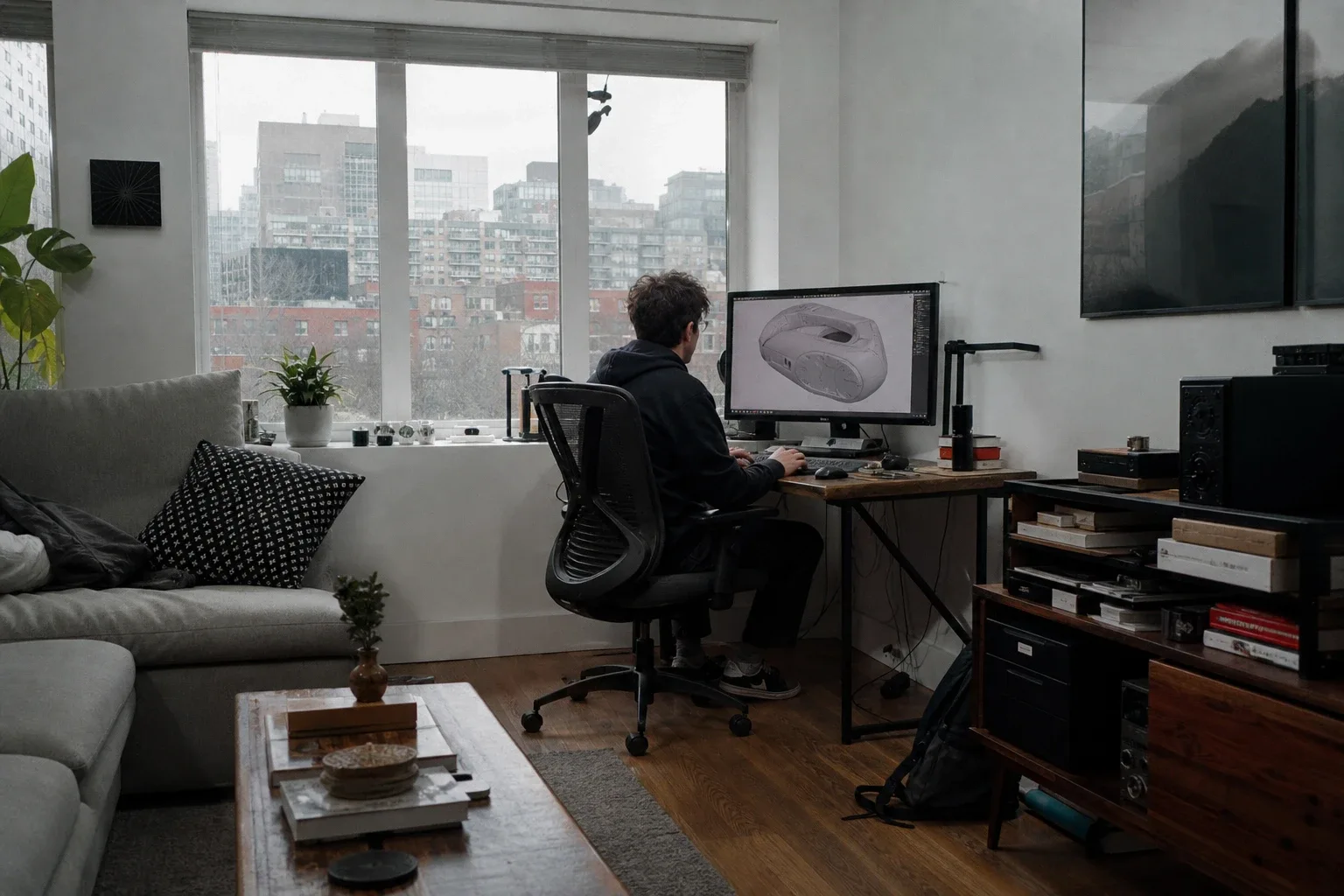
In-house modelling software. Tools like Blender, Cinema 4D, or Autodesk are powerful and, in some cases, free. The tradeoff is time. A team member with no prior modelling experience will spend weeks reaching a level of output that is genuinely useful for commerce. This path makes sense if you have a designer who is already adjacent to 3D work and you're building for long-term volume—dozens of SKUs per month. It does not make sense if you need results in the next quarter.
Outsourced 3D modelling studios. You send reference materials—drawings, photos, physical dimensions—and a studio delivers finished assets. Turnaround is typically one to three weeks per batch. Quality is predictable. Cost is per asset, so it scales linearly. This path suits brands that need high-fidelity models for a defined catalogue without the overhead of building an internal team. The limitation is iteration speed: if you need to change a material or reconfigure a product, you go back to the queue.
No-code 3D and AR platforms. These platforms sit between the asset and the storefront, handling hosting, AR rendering, and ecommerce integration without requiring developer involvement. Thridify is built specifically for furniture, kitchen, and custom-product brands that want to deploy interactive 3D and AR on their product pages without a technical team. The tradeoff is that you still need the 3D assets themselves—the platform is the delivery layer, not the modelling layer. But if your bottleneck is deployment rather than asset creation, this path compresses implementation from months to weeks.
Most brands end up combining paths: outsourced studios for asset creation, a no-code platform for deployment and AR.
The First Model Is a Test, Not a Finished Product
The instinct when committing to a new capability is to do it properly—to model the entire catalogue before launching anything. That instinct is expensive and slow, and it delays the one thing you actually need: evidence that 3D changes buyer behaviour for your specific customer.
Start with one SKU. Pick the product that generates the most returns, or the one that triggers the most pre-purchase questions, or the one where you most often hear "it looked different on the website." Build or commission a single 3D model for that product. Deploy it. Measure what happens over thirty to sixty days.
You are looking for movement in a small number of metrics: return rate for that SKU, add-to-cart rate on the product page, and time on page. If returns drop meaningfully, you have a business case to scale. If engagement rises, you have a conversion story to take to leadership. If nothing moves, you have learned something important before spending five figures on a full catalogue rollout.
This is how confident decisions get made. Not by committing to a technology platform before you have data, but by treating the first model as a controlled test with a clear hypothesis.
The first 3D model you publish is not a deliverable. It is an experiment with a measurable result.
Markets with high smartphone penetration and younger demographics are already showing strong appetite for exactly this kind of interactive product experience—AR and 3D previews are performing particularly well in regions where mobile is the primary commerce device. Amraandelma That context matters if you sell internationally, because the ceiling on 3D engagement is not uniform across markets.
Your Next Step: Audit Your Highest-Return Products First
Open your returns data. Sort by category. Find the product group where customers most often cite "not as expected" or "different from photos" as the reason for sending something back. That is where your first 3D model belongs.
If you don't have granular returns data, use your support inbox instead. Search for the product name that appears most often alongside words like "colour," "size," "fit," or "bigger than I thought." That product is telling you it needs a better representation.
Pick one product category that generates the most returns or customer questions, and build your first 3D model this month. Use Thridify or an outsourced studio—whichever fits your timeline—but use it on that one SKU, with a clear metric you're watching. The result of that test is what tells you how fast to scale, how much to invest, and which path to take next. Everything else is just software.
Sources
Have questions or ready to get started?
Get in touch with Thridify