How to Build a Door and Window Configurator That Sales Can Actually Use
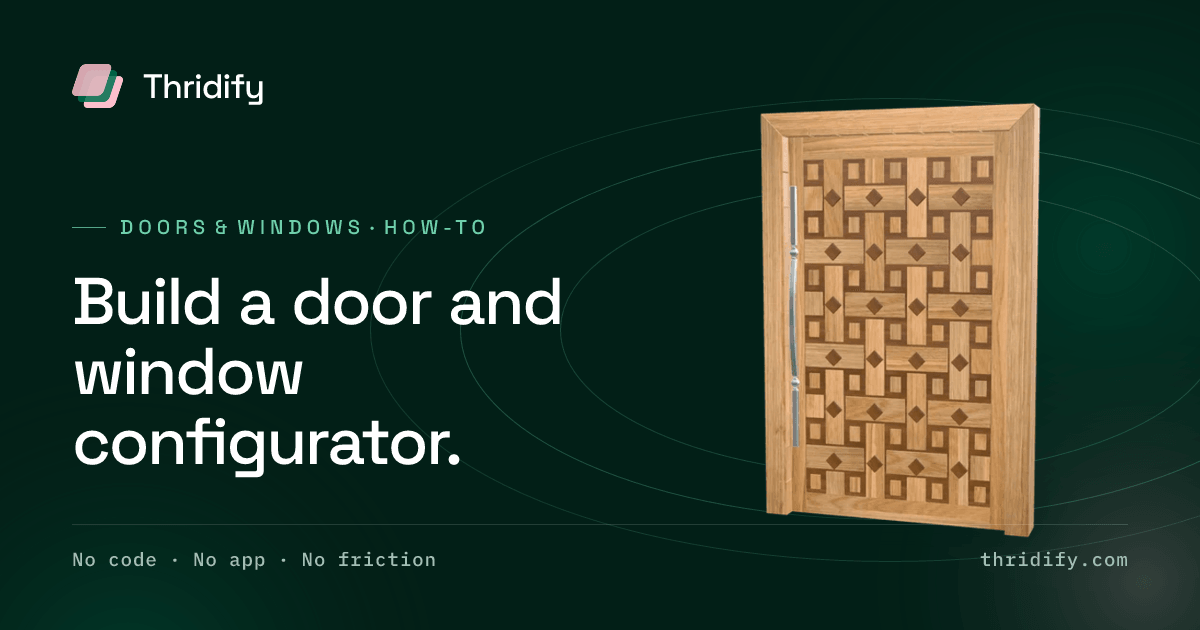
A door is not a product. It is a specification.
Leaf design, frame profile, material, external finish, internal finish, glazing, hardware set, hinge side, opening direction, threshold, and a size that is very often not one of your standard sizes. Eleven axes, several of which are incompatible with several others, and at least two of which the customer has never heard of.
That is why most door and window configurators are built backwards. They are built as a visual — pick a colour, see the colour — and then discover, late, that a visual is not what this industry transacts in. What gets transacted is a quotable specification, and if the configurator does not produce one it has automated the enjoyable part of the sales process and none of the expensive part.
Start from the quote, not from the model
Before modelling anything, get the specification form your estimators actually use.
Not the marketing brochure. The internal form — the one with the fields that have to be filled in before a price can be produced, including the ones customers always leave blank and get chased about.
That form is your configurator's specification. Every option group in the experience should map to a field on it, and every combination the configurator permits should be a combination your factory can produce. Build outward from the quote, and the visual becomes the interface to something valuable. Build inward from the visual, and you get a colour picker that generates unquotable enquiries.
Model the system, not the door
The instinct is to model your best-selling door. Resist it.
Doors and windows are systems: a frame profile, a leaf, a glazing unit, a hardware set, assembled to a size. Model the components, with the joinery rules that govern how they combine, and the configurator can express thousands of legitimate products from a few dozen parts.
Model finished doors instead, and you are back to the photography problem — a new leaf design means a new model, and you have committed to maintaining a library that grows multiplicatively.
Concretely, that means:
- Frame profiles as parameterised sections that extend to the specified opening.
- Leaves as separate assets that mount into any compatible frame.
- Glazing as a material state — clear, obscure, laminated, the specific patterned glass your supplier stocks — rather than as separate geometry.
- Hardware as attachable components with real mounting positions, because handle height is something specifiers genuinely check.
Get dimensions exactly right, because this industry checks
In most categories, a model that is a few per cent out is a cosmetic problem. In doors and windows it is a commercial one.
Your buyers are builders, specifiers, architects and homeowners who have measured an opening. They will compare what they see against a structural opening that already exists. A model that is visually convincing and dimensionally approximate will be caught, and being caught on a dimension in a trade where dimensions are the product is worse than showing nothing.
This also matters for AR, which places at true real-world scale and is unusually well suited to this category — a customer holding a phone up to the actual opening is the single most persuasive demonstration available to you, and it only works if the model is honest.
Encode the rules, including the ugly ones
Every door manufacturer has a list of combinations that are not permitted. Some for engineering reasons — a glazing unit too heavy for a given hinge set, a profile that cannot take a given lock. Some for commercial reasons — a finish available only above a certain order volume. Some for reasons that exist entirely in the head of the estimator who has been there eighteen years.
Get that list out of their head and into the rules engine. This is the least glamorous task in the project and the one that determines whether sales trusts the output. A configurator that produces an impossible specification gets used twice.
Two behaviours worth designing deliberately:
Disable, do not hide. When a choice becomes unavailable because of an earlier choice, grey it out and say why. Silently removing options makes the customer think your range is smaller than it is.
Explain the constraint in the customer's language. "Not available with triple glazing on this profile" is useful. "Invalid combination" is not.
Decide what comes out of the end
Three outputs, and the honest answer for most manufacturers is all three.
For the customer: a summary they can understand and save — what they specified, in plain language, with the image.
For your sales team: a structured specification that drops into the quoting process without re-keying. This is where the labour saving is. Re-keying a specification from an email is both slow and the single most common source of the wrong door being manufactured.
For production: a bill of materials. If the configurator knows which frame profile, which leaf, which glazing unit and which hardware set, it already knows the parts list. Letting that flow through means the factory builds what the customer specified rather than what someone inferred from a screenshot.
Where to put it
Doors and windows are rarely an add-to-cart purchase, so the deployment question is different from a retail one.
On the website, the configurator's job is to qualify. An enquiry with a full specification attached is worth several times an enquiry that says "interested in anthracite".
In the showroom, on a tablet, it replaces the sample board — you cannot stock forty leaf designs in nine finishes, but you can show all of them beside the one the customer is touching.
For dealers and installers, it removes the phone call to your office asking whether a combination is possible. That call has a cost on both ends.
At exhibitions, it lets a stand that physically holds four doors represent the entire range.
Sequence it so you learn early
- Take the estimator's specification form and map every field.
- Model one system — one frame family, one leaf family — with its real components.
- Encode the rules for that system only. Expect this to take longer than the modelling.
- Wire the specification output into the quoting process before you make it public. An internal tool that saves your own team time is worth deploying even if the public version is months away.
- Put it on the website, and measure enquiry quality — the share arriving with a complete specification — not just enquiry count.
Related reading
- Doors & windows — the vertical in detail
- 3D product configurator — the capability, and how to evaluate one
- AR product viewer — holding a phone up to the actual opening
- What a 3D configurator costs