How to Add a 360° Product Viewer to Your Website
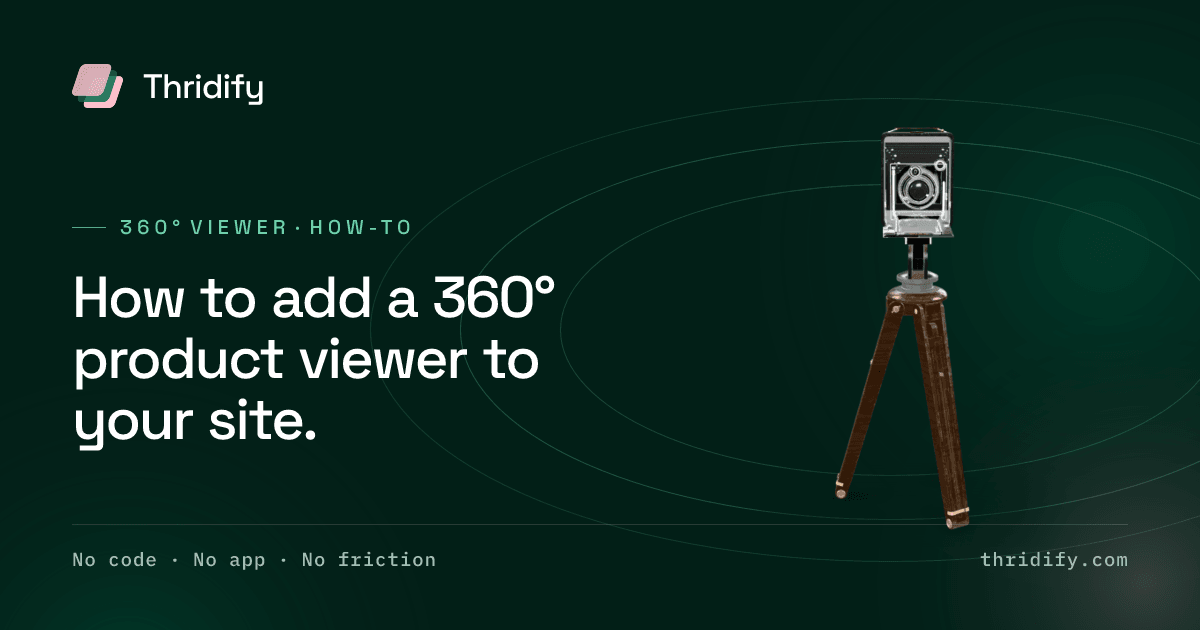
"360° product viewer" is three different products wearing one name. They cost different amounts, they can do different things, and the one you pick determines what you are able to do eighteen months from now — which is usually when someone asks for the thing your choice cannot do.
So before any implementation detail: which one are you buying?
The three things called a 360° viewer
A photographic spin set. Twenty-four to seventy-two photographs of the product on a motorised turntable, played back as the visitor drags. The materials are perfect, because they are photographs. But it is one horizontal orbit at one fixed height, it cannot be relit, it cannot go into AR, and any change — a new finish, a different angle — means booking the turntable again.
Real-time 3D. One model rendered live in the browser. The camera goes anywhere, not just around a fixed ring. Annotations can be anchored to actual geometry. The same asset drives AR, configuration and marketing renders. The cost is up front, in getting the model right.
Pre-rendered video. A turntable clip on loop. Cheap, plays everywhere, and completely passive — the visitor cannot look at the specific thing they are unsure about, which is the entire reason they engaged.
A useful decision rule: if the product has options, or you will ever want AR, you need real-time 3D. A spin set is a reasonable answer for a single fixed product where material fidelity is everything and nothing will change. That is a narrower case than most catalogues.
The rest of this assumes real-time 3D, because that is what most people actually want when they ask for a 360° viewer.
Step 1 — Get a well-formed model
You need the product in glTF/GLB. Three routes in:
- Existing CAD. Furniture, doors, windows, machinery and cabinetry are generally designed in 3D before they are manufactured, so the geometry exists somewhere in the business. CAD is optimised for manufacture, not for the web, so it needs retopologising and compressing — but it is the fastest and most accurate starting point.
- Photogrammetry. Reconstruct the model from many photographs. Good for organic, irregular objects; poor for anything with flat reflective surfaces.
- Built from references. A modelling service builds it from photographs, dimensions and finish samples. Most common for products that predate CAD.
Whichever route: make sure you own the output files. This is the question people forget to ask until they want to leave.
Step 2 — Prepare it for the web, not for a render farm
A model that is beautiful in a desktop renderer is frequently unusable on a product page. Three things have to happen.
Polygon budget. Detail should be concentrated where a buyer inspects — seams, edges, joints, mechanisms — and stripped from the inside of closed drawers and the backs of wall-standing units. Uniform density is wasted density.
Geometry compression. Draco typically removes the majority of the mesh payload.
Texture supercompression. KTX2 with Basis Universal is the important one, and the one most often skipped. Unlike a JPEG, a KTX2 texture stays compressed in GPU memory rather than expanding on arrival — which is the difference between a mid-range phone rendering your product and running out of memory on it.
If a vendor cannot tell you the loaded byte size of one product, that is the answer to your question.
Step 3 — Put it in the gallery
Not in a tab. Not in an accordion. Not on a separate "3D experience" page.
The viewer belongs in the main product gallery, as one of the media items the visitor is already swiping through. This is the difference between a feature people use and a feature people never find, and it is more consequential than any rendering setting.
The mechanics are straightforward — on Shopify, WooCommerce, WordPress, Wix, BigCommerce and the rest it is a plugin plus a media slot; on a custom storefront it is an embed element and a script tag. The hard part is the placement decision, not the code.
Step 4 — Get the first paint right
This is where most implementations quietly lose the performance argument.
A 3D viewer should render a poster image immediately — a static frame of the product, served like any other image — with the model streaming in behind it. Done properly, the page is visually complete as fast as it was before, and the 3D arrives without anyone waiting for it.
Done improperly, the gallery is an empty grey box for two seconds while a model downloads, which is worse than the photograph you replaced.
The poster does double duty: it is what a crawler sees, what appears if WebGL is unavailable, and what a visitor on a poor connection gets. Treat it as the real image and the model as the enhancement, not the other way round.
Google's model-viewer documentation covers the poster and lazy-loading patterns in detail, and is worth reading even if you never touch the component directly.
Step 5 — Add the things that make it useful rather than novel
A viewer that only spins is a novelty. Two additions change that.
Hotspots. Annotations anchored to a point on the mesh, which stay anchored as the model turns. "Soft-close mechanism", "this joint is mortise and tenon", "cable routing exits here". This is where a viewer starts answering the questions your support inbox receives.
AR. If the model exists, the in-their-room step is nearly free — one setting, using the viewer already built into the phone. Android takes the GLB through Scene Viewer; iOS takes a USDZ through AR Quick Look. This is the single biggest reason to choose real-time 3D over a spin set.
Step 6 — Test the boring things
- A real phone on mobile data, not office wifi.
- A mid-range Android, not just a current flagship. This is where memory limits show up.
- Keyboard navigation — a viewer that can only be driven by dragging excludes people.
- With JavaScript blocked or slow: the poster should still be there.
- On a narrow screen, checking the viewer does not fight a sticky add-to-cart bar.
What to measure
Compare the product page against itself, before and after. Engagement on the page and add-to-cart rate on that SKU are the immediate signals; return rate is the slower and more valuable one.
Resist the urge to measure "3D interactions" as a success metric. Interactions prove the feature exists. Only the commercial numbers tell you whether it is doing anything.
Related reading
- 360° product viewer — the capability in full
- AR product viewer — the in-their-room step
- 3D product configurator — when the product has options
- Device compatibility — what supports what