
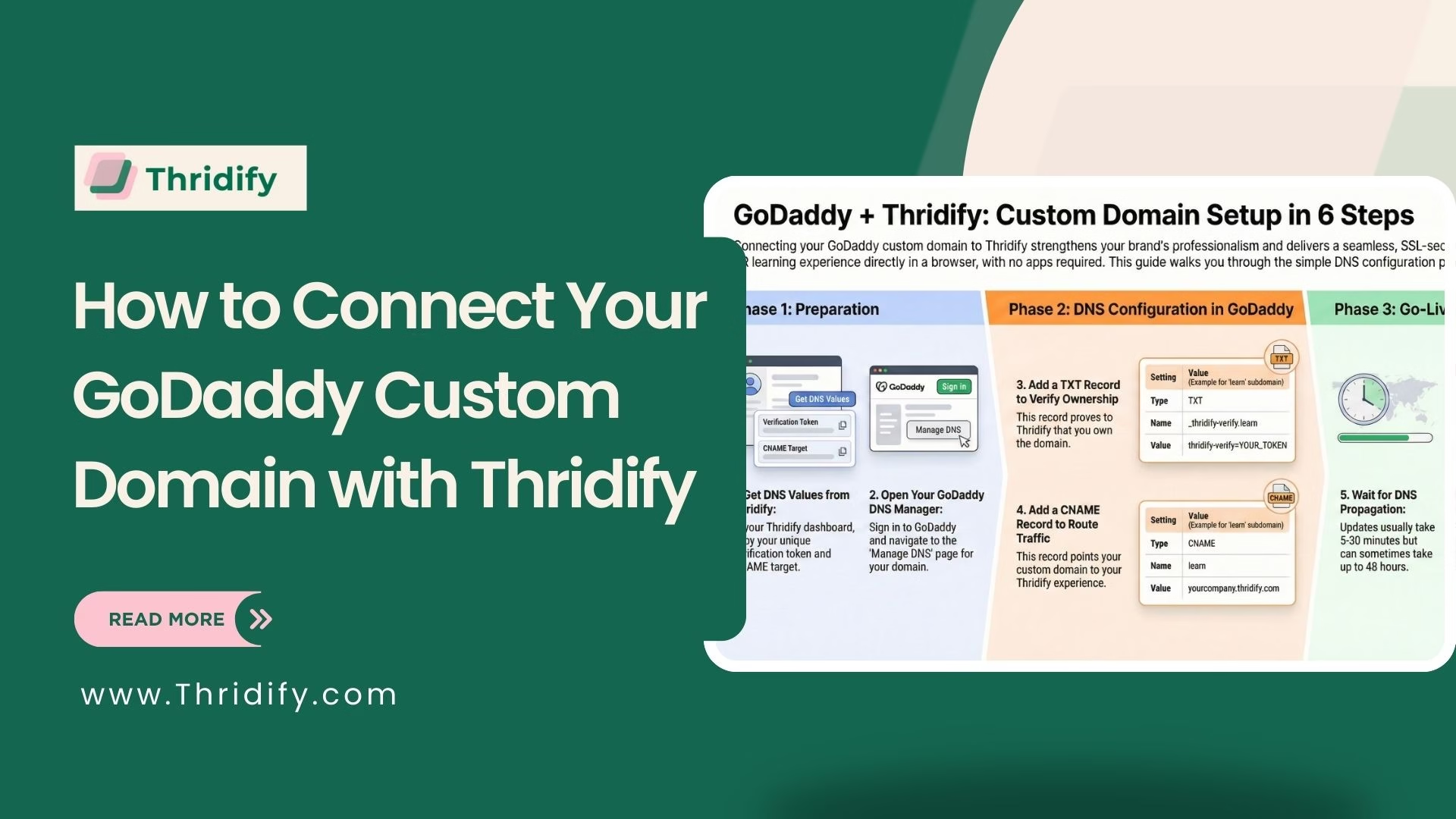
Using a custom domain adds credibility and brand consistency to your Thridify-powered AR Education or visual experience. If your domain is registered with GoDaddy, this step-by-step technical guide will show you exactly how to connect it with Thridify using DNS settings—no advanced technical skills required.
Why Connect a Custom Domain to Thridify?
A custom domain helps you:
- Strengthen brand trust and professionalism
- Deliver seamless AR and 3D learning experiences
- Enable SSL-secured, browser-based access without apps
Prerequisites
Before you begin, make sure you have:
- A domain registered on GoDaddy
- Access to your GoDaddy DNS settings
- A verification token from your Thridify (AR Education) dashboard
Step 1: Get DNS Details from Thridify
- Log in to your Thridify dashboard
- Go to Settings → Domain Settings
- Click Add Custom Domain
- Enter your domain (example: learn.yourcompany.com)
- Copy the verification token and CNAME target
These values will be used in GoDaddy DNS.
Step 2: Open GoDaddy DNS Manager
- Sign in to GoDaddy
- Navigate to My Products
- Select your domain and click Manage DNS
This is where you’ll add TXT and CNAME records.
Step 3: Add TXT Record for Domain Verification
Add a new DNS record with the following values:
- Type: TXT
- Name: _thridify-verify.learn (replace learn with your subdomain)
- Value: thridify-verify=YOUR_TOKEN
- TTL: 600 seconds
This step verifies domain ownership with Thridify.
If you’re using a root domain, use _thridify-verify as the name.
Step 4: Add CNAME Record for Routing
Next, add a CNAME record:
- Type: CNAME
- Name: Your subdomain (example: learn)
- Value: yourcompany.thridify.com
- TTL: 600 seconds
GoDaddy automatically appends your main domain, so only enter the subdomain.
Step 5: Wait for DNS Propagation
DNS updates usually take 5–30 minutes but can take up to 48 hours. You can monitor propagation using tools like DNS Checker.
Step 6: Verify Domain in Thridify
Return to Settings → Domain Settings in Thridify, click Verify, and once approved, SSL will be enabled automatically.
Final Thoughts
Connecting a custom domain with GoDaddy and Thridify ensures a branded, secure, and professional AR experience for learners or customers. With just two DNS records, your Thridify experience is ready to scale—no apps, no coding, no friction.
Need help? Reach out to contact@thridify.com for quick assistance.